Encrypted connection vault
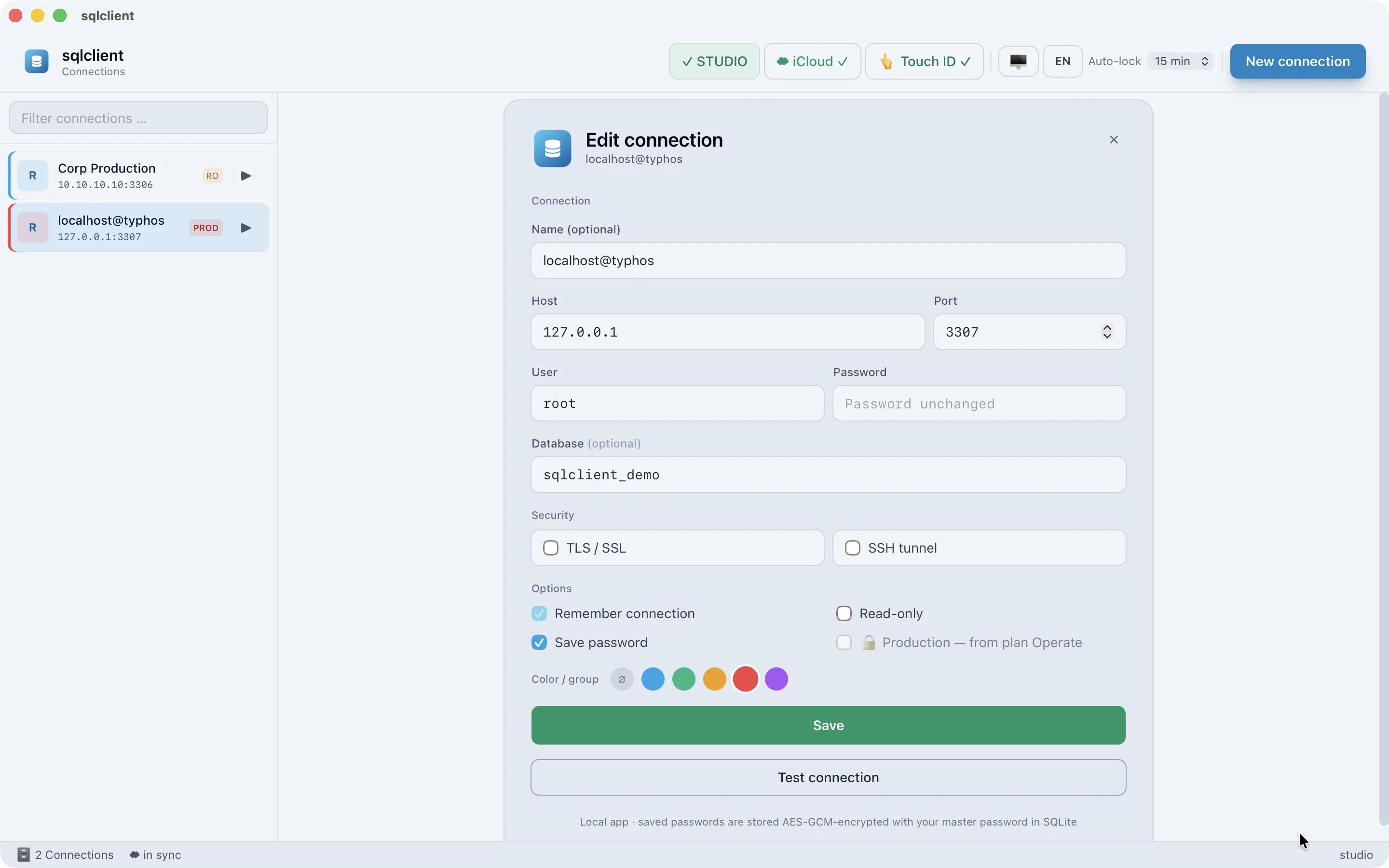
All saved connections live in an AES-256-GCM vault, protected by a master password (210,000 PBKDF2 iterations). Unlock with Touch ID.
Feature set
From the encrypted connection to the ER diagram: the full feature set, sorted by topic. Native on the Mac, with no forced cloud.
Connecting & security
All saved connections live in an AES-256-GCM vault, protected by a master password (210,000 PBKDF2 iterations). Unlock with Touch ID.
Connect via a bastion host using SSH port forwarding and TLS with your own CA/client certificates (.p12) – real verification instead of “skip verify”.
Switch connections to read-only so only read queries run. An auto-lock after inactivity guards against shoulder-surfing and slips.
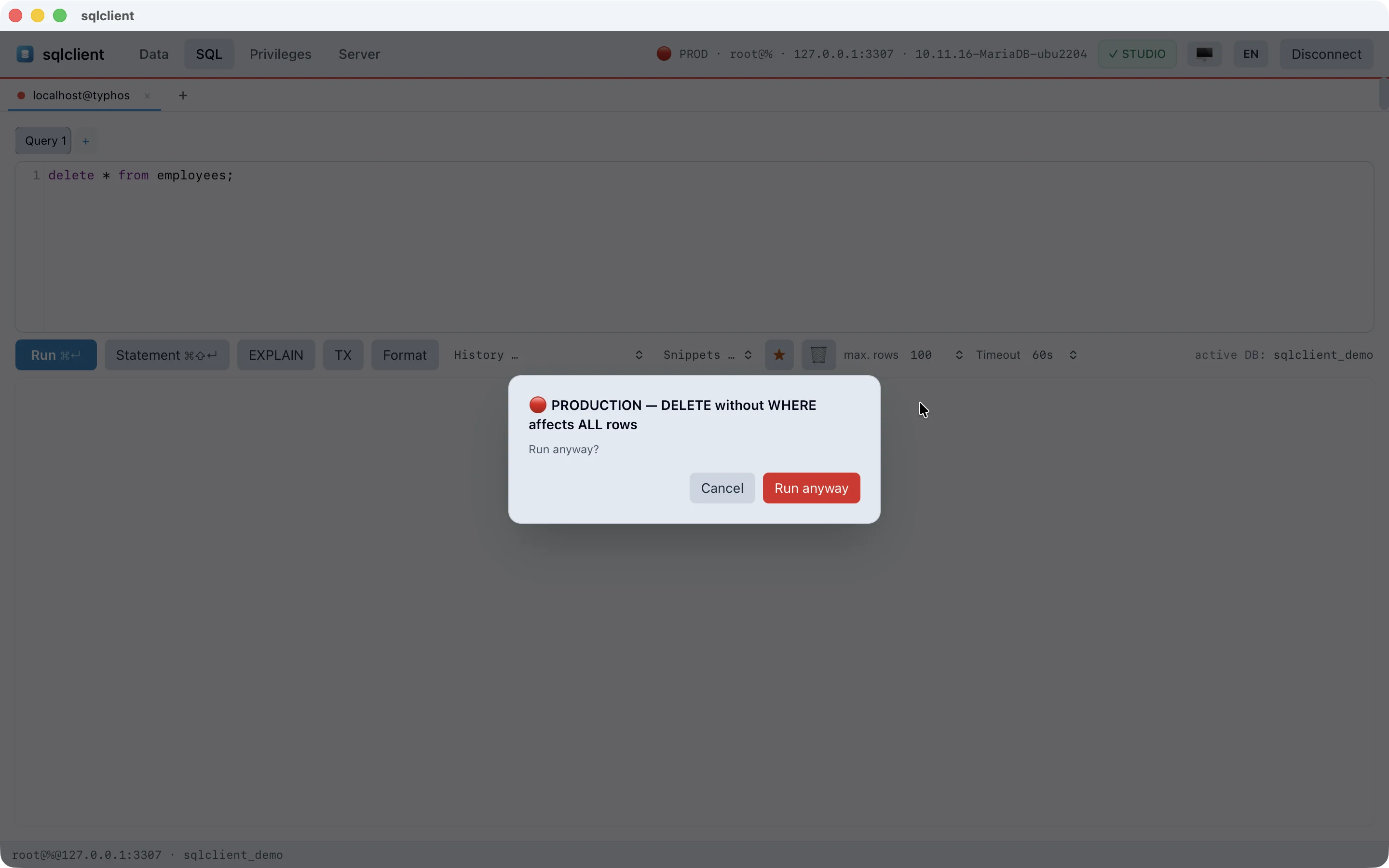
Mark production connections in red, confirm dangerous statements by typing the name, and a warning the moment an UPDATE or DELETE without WHERE would hit every row.
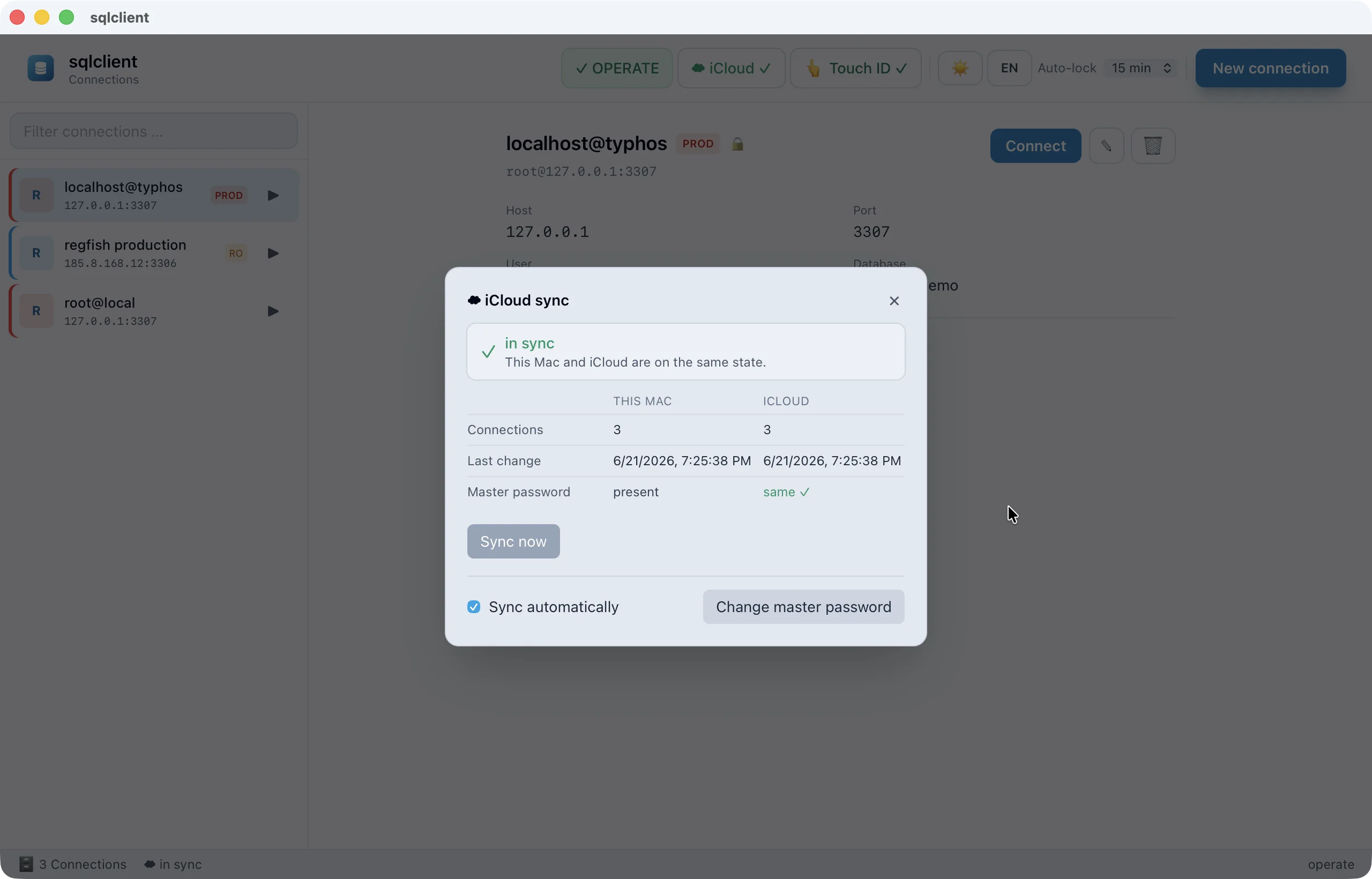
Saved connections move between your Macs in near real time. A file watcher pulls in changes automatically, only ciphertext syncs, and conflicts are merged cleanly.
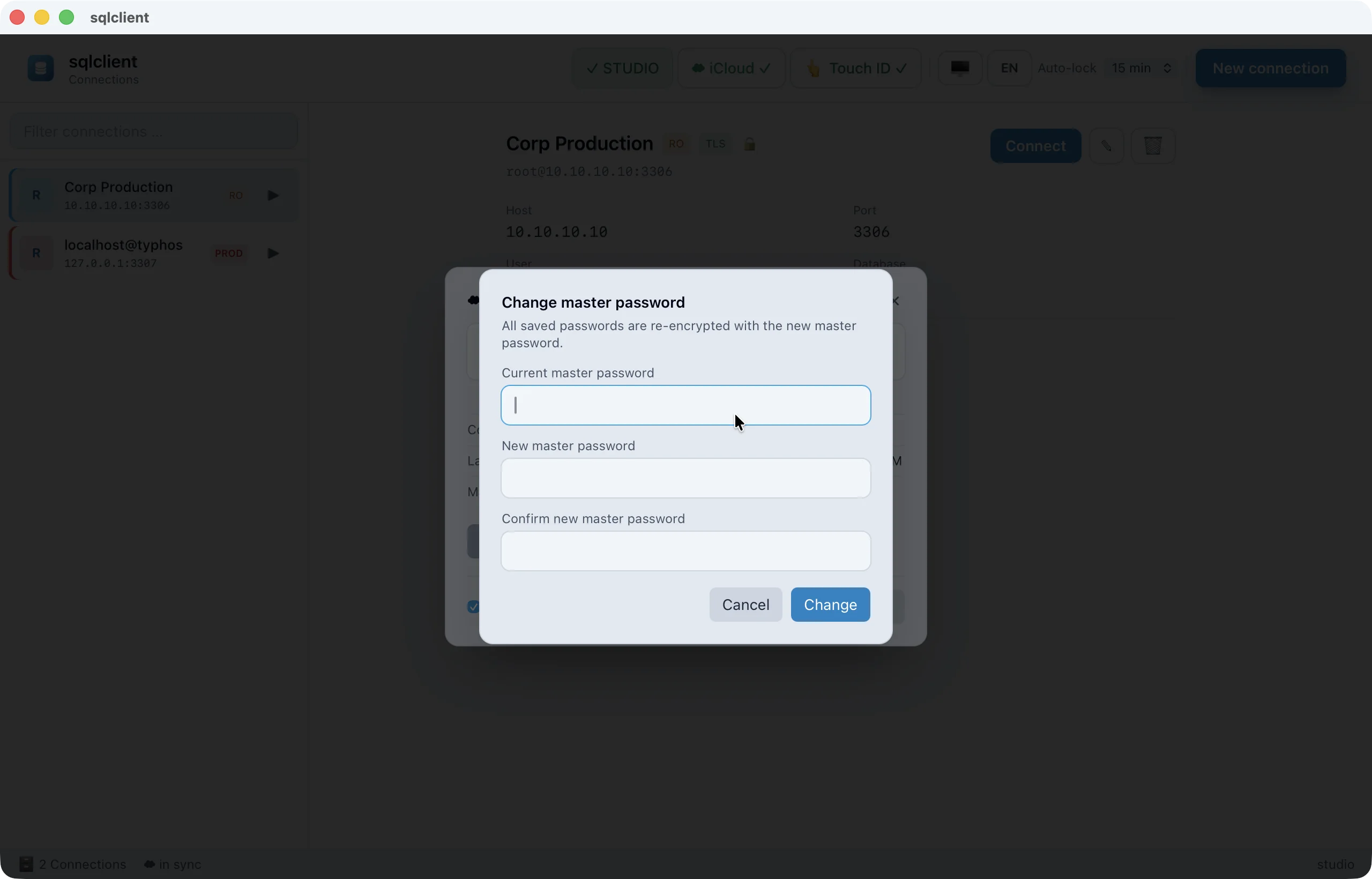
Change the master password, re-encrypting all records atomically and automatically re-setting up Touch ID. Forgotten password? A secure reset instead of a back door.
Explore & edit data
Edit inline based on the primary/unique key, insert rows, delete them, set them to NULL – all changes run as one transaction. Full keyboard navigation.
Every cell in a modal with character count and copy. JSON is pretty-printed, binary values shown as a hex dump and images (PNG/JPEG/GIF/WebP/BMP) displayed directly as a preview.
Right-click a cell to jump to the referenced row – or backwards to every row that points to the current record. Driven by the real FK relationships.
Select a cell range by dragging or shift-clicking; the status bar shows the count along with sum, average, minimum and maximum – just like Excel, in both the read-only and editable grid.
Quick filter and sorting per column, column width and order freely adjustable and remembered per table. Copy the selection as CSV or JSON.
Large result sets render incrementally in chunks and load more automatically as you scroll, instead of freezing the whole tab. Even tens of thousands of rows stay fluid.
Export tables or any results as a real Excel workbook (.xlsx, type-preserving), CSV, JSON or SQL dump. CSV import with column mapping.
SQL console & transactions
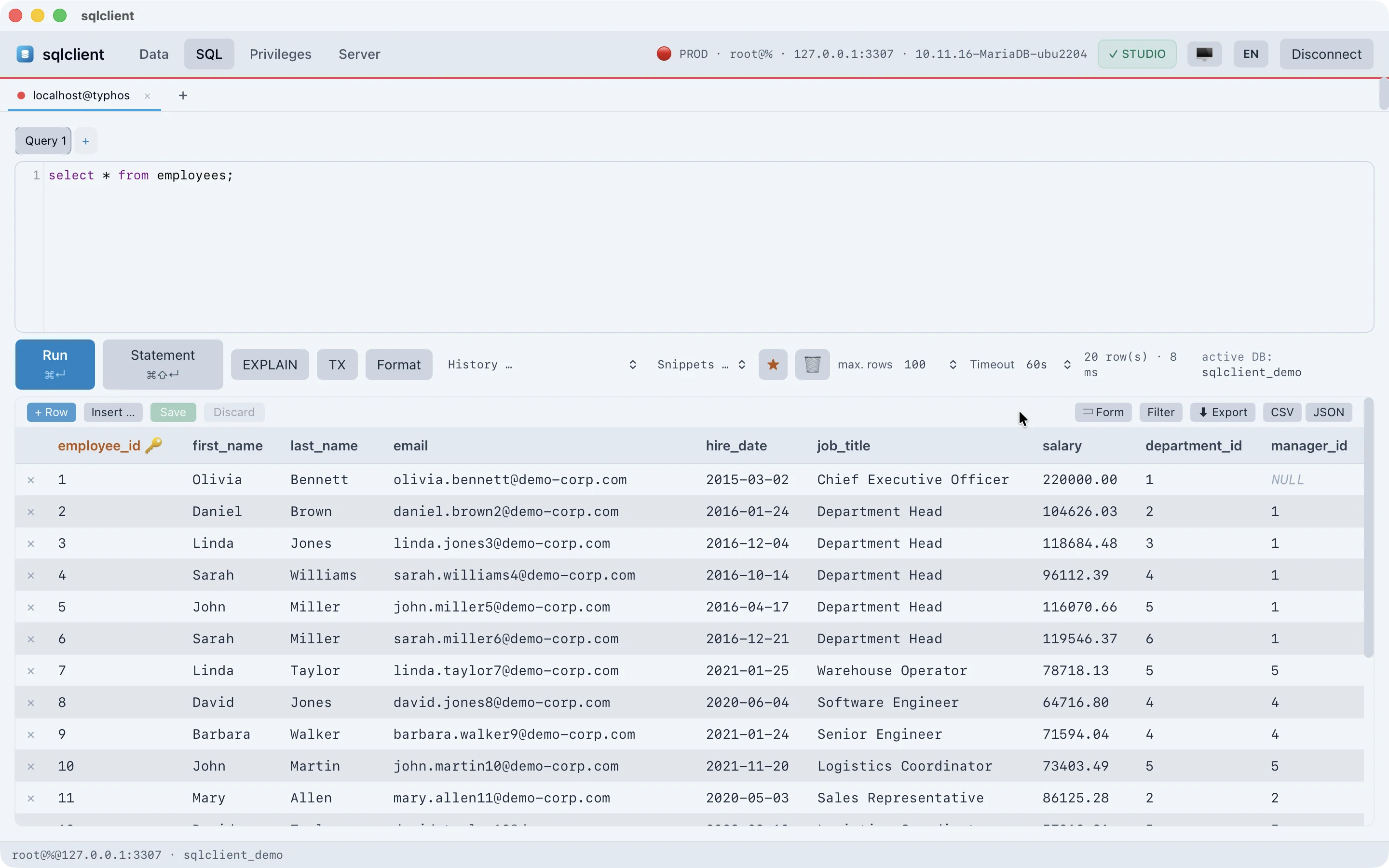
Syntax highlighting, schema-based autocompletion, history, beautify and reusable snippets – built on CodeMirror.
View execution plans directly and keep multiple query results open side by side in their own tabs.
A dedicated tab strip for SQL documents: add, close, rename. Each document, along with its last result, is saved and restored per connection and database.
Run just the statement at the cursor with ⌘⇧⏎. Row-returning queries without their own LIMIT get a selectable Auto-LIMIT – protection against accidental million-row fetches.
Test risky changes over a dedicated transaction connection, then commit or roll back on purpose. On exit, a clear dialog asks what should happen to open changes.
Cancel a running query with a click via a second connection (KILL QUERY). A selectable statement timeout kills overly long queries automatically.
Schema & objects
Databases, tables, views, triggers, routines, events and status in a collapsible sidebar. Plus command palette (⌘K) and schema search across all databases.
An interactive entity-relationship diagram of the current database: tables with columns and PK/FK markers, FK edges, pan, zoom around the cursor and drag-to-move. Layout remembered per database, double-click opens the table.
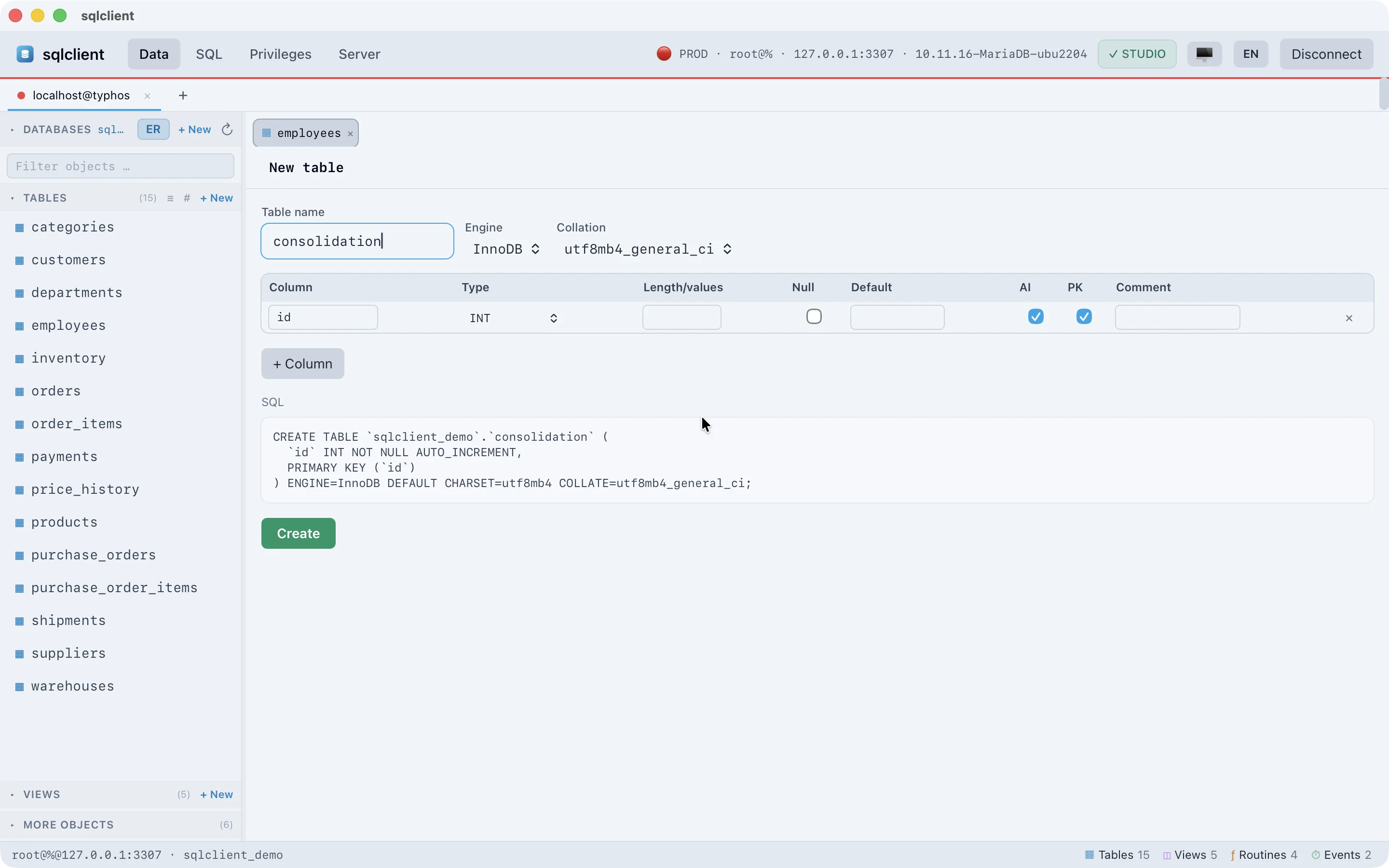
Create and change tables, columns, indexes and foreign keys, with a live preview of the generated DDL. Maintenance and duplication included.
View the CREATE definition of views, procedures, functions, events and triggers, edit it inline and save via CREATE OR REPLACE. New objects from templates, toggle scheduled events on and off.
Engine, approximate row count, data and index size, auto-increment, collation, row format and timestamps at a glance – ideal for capacity planning.
Server administration
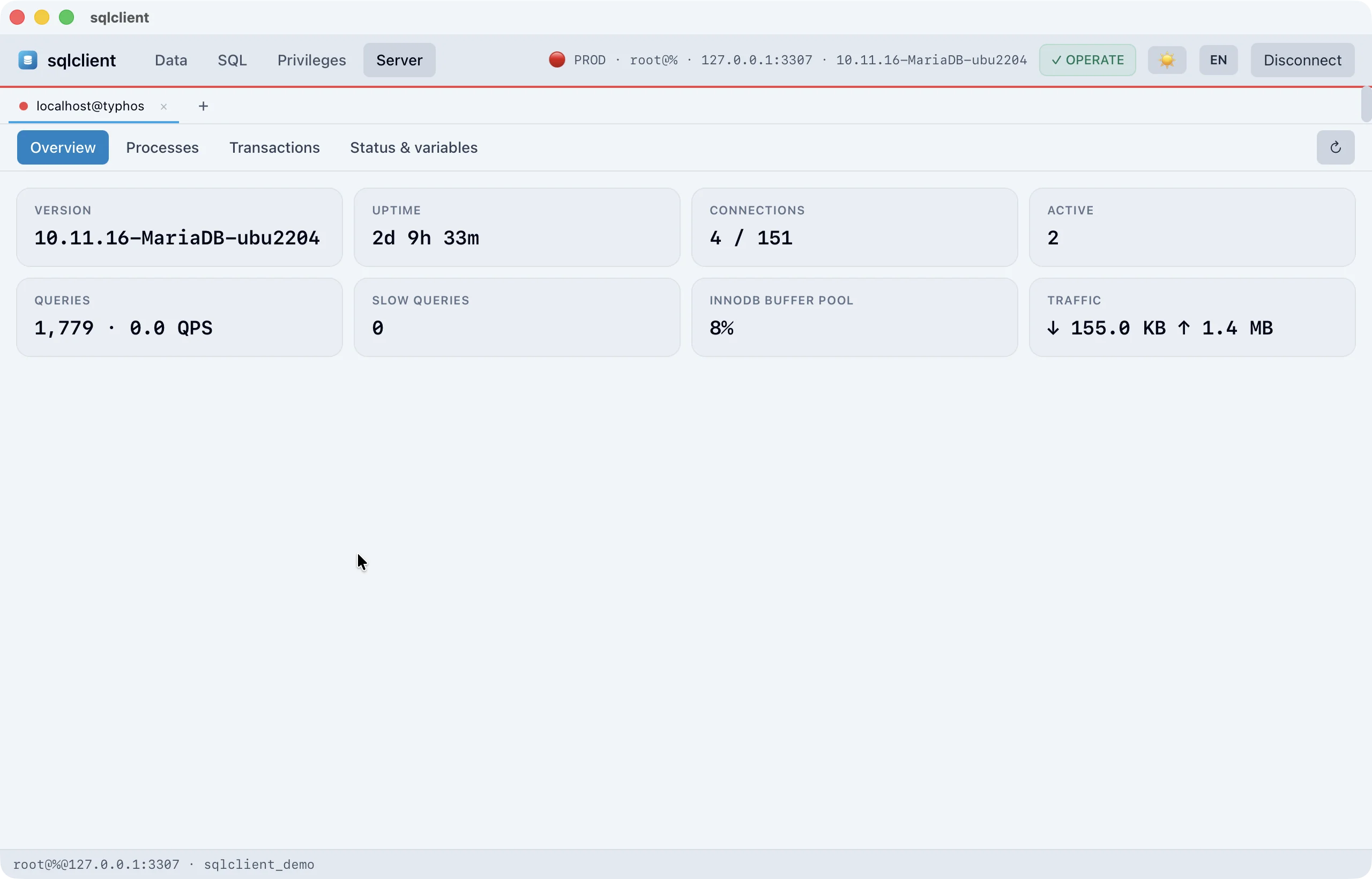
See all active connections and queries and stop the runaway query in seconds.
View open transactions and locks via information_schema.INNODB_TRX, lock waits highlighted, kill the blocking connection on purpose – the fastest way out of a production stall.
Server status, global variables and a compact dashboard for a quick health check.
Users & privileges
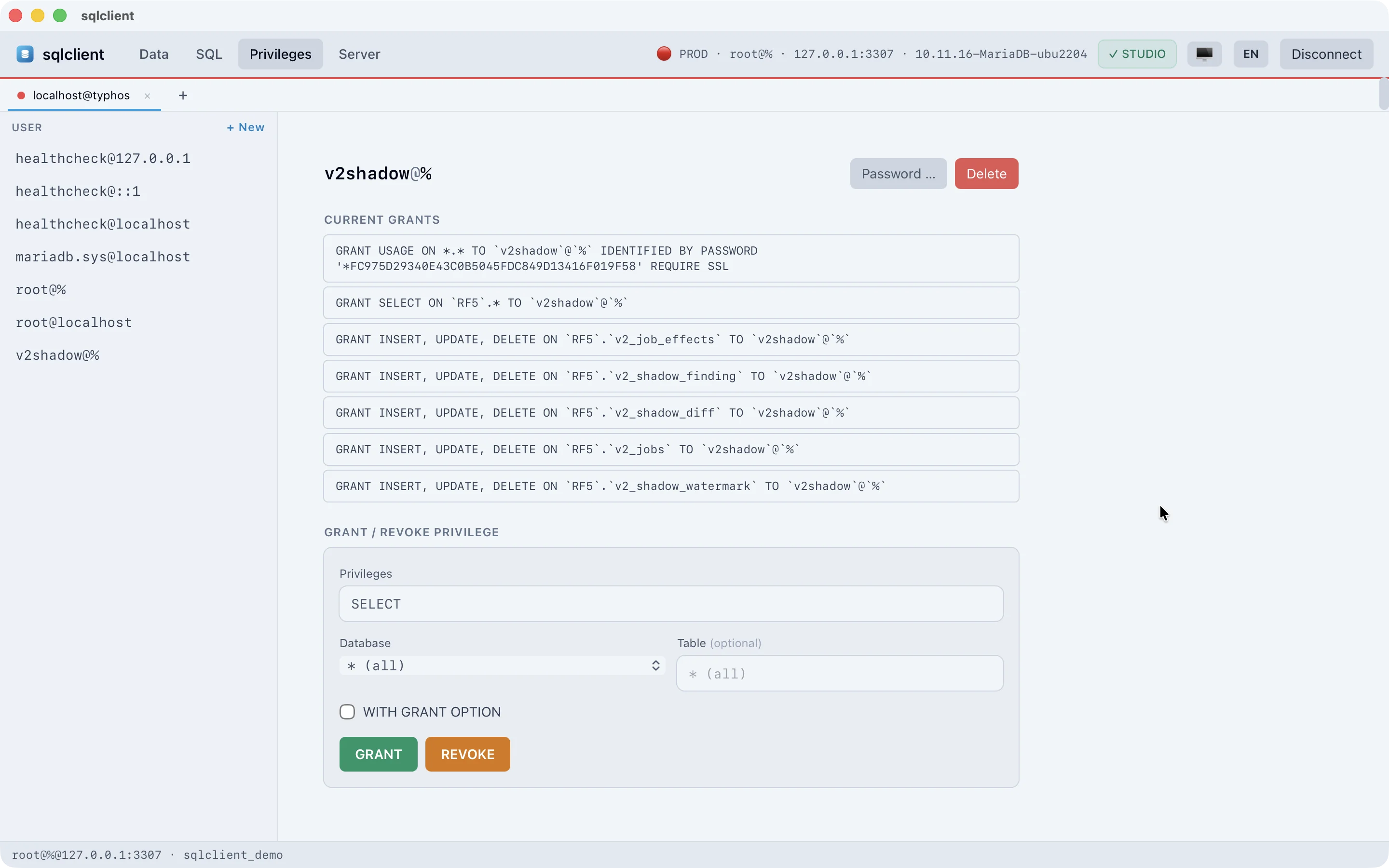
View and grant or revoke privileges per user – visible and traceable, without typing SQL.
Create and delete users and change passwords, straight from the interface.
Every change is logged locally with time, kind and action, and exportable as CSV or JSON when needed – for proof and traceability.
App, workspace & license
Keep multiple servers open at once as tabs and switch without disconnecting. A workspace per connection, group colors for quick orientation.
The active connection lives in the Rust core and survives every interface reload – no waiting for a reconnect.
German or English, light, dark or following the system – switchable on the fly.
Universal binary, Apple-notarized and signed. Updates are checked in the background and applied securely.
Activate your license straight from the self-checkout portal via deep link or by pasting a token. Trial and expiry checks are protected against turning back the system clock.
Security & data sovereignty
Local-first isn’t a marketing word here. This is how it works in detail.
Encryption at rest
Saved connections live in a local vault encrypted with AES-256-GCM. The key is derived from your master password with PBKDF2-HMAC-SHA256 and 210,000 iterations – the password itself is never stored and never leaves the device.
Touch ID & auto-lock
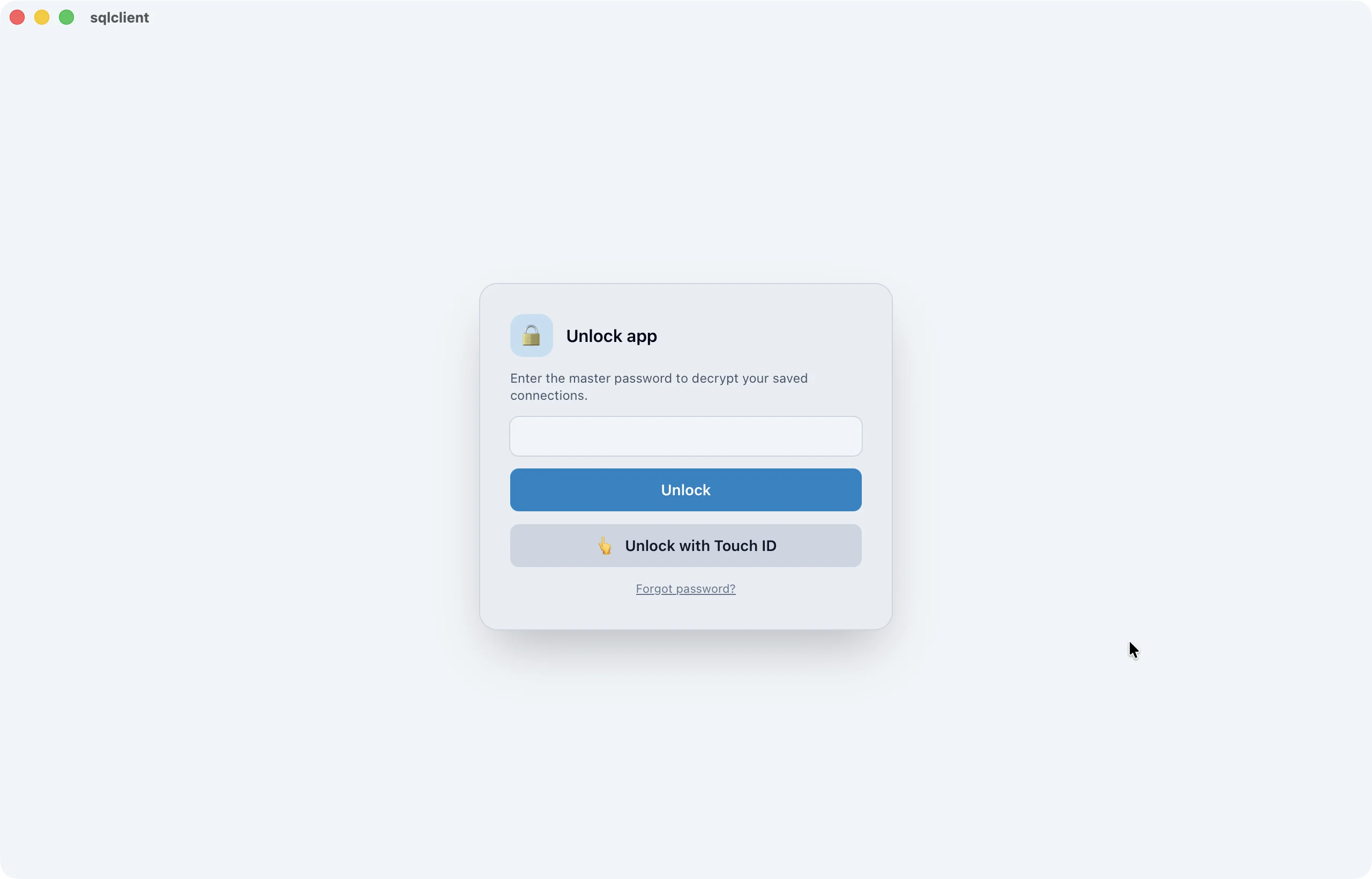
Unlock the vault with Touch ID instead of typing the master password. The derived key lives in your Mac’s login keychain, and the Touch ID prompt runs through Apple’s LocalAuthentication – with the device passcode as a fallback.
iCloud sync & secure sharing
Saved connections travel between your Macs over iCloud Drive. Only Ciphertext, along with its Salt and Canary, is ever synced – the master password never leaves a device. A file watcher and a pull on window focus keep everything up to date in near real time.
Signed auto-updates
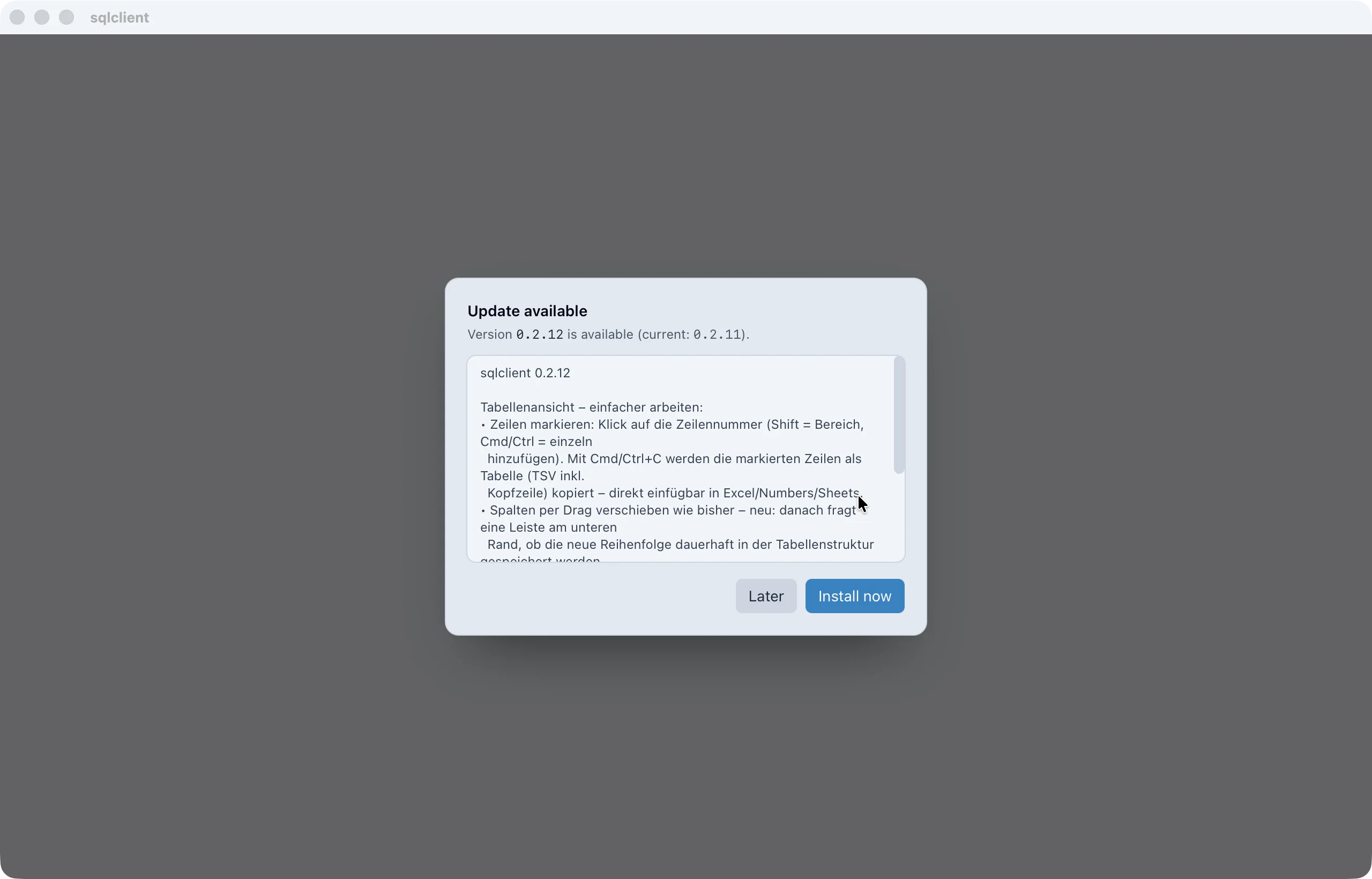
The app checks for new versions on a regular, throttled schedule and, on request, downloads and installs them directly. Before installing, the package’s signature is checked against a Public-Key embedded in the app – only then does it update.
Universal binary, Apple-notarized and signed. 30-day full version, then read for free permanently.